A Movie Magic alternative
that keeps your budget and schedule in one file
Import your existing Movie Magic budgets, break the script down with SetShaper's AI, which runs on your own computer, and let the schedule do your budget's arithmetic. Native on macOS and Windows, and it works with no connection at all.
How SetShaper differs
Movie Magic set the standard this industry works to, and a lot of what it does, it does well. These are the places where a single connected project changes the job.
Budget and schedule in one project
Budgeting and Scheduling are separate products with separate files, so the schedule and the budget agree only for as long as somebody keeps them in step by hand.
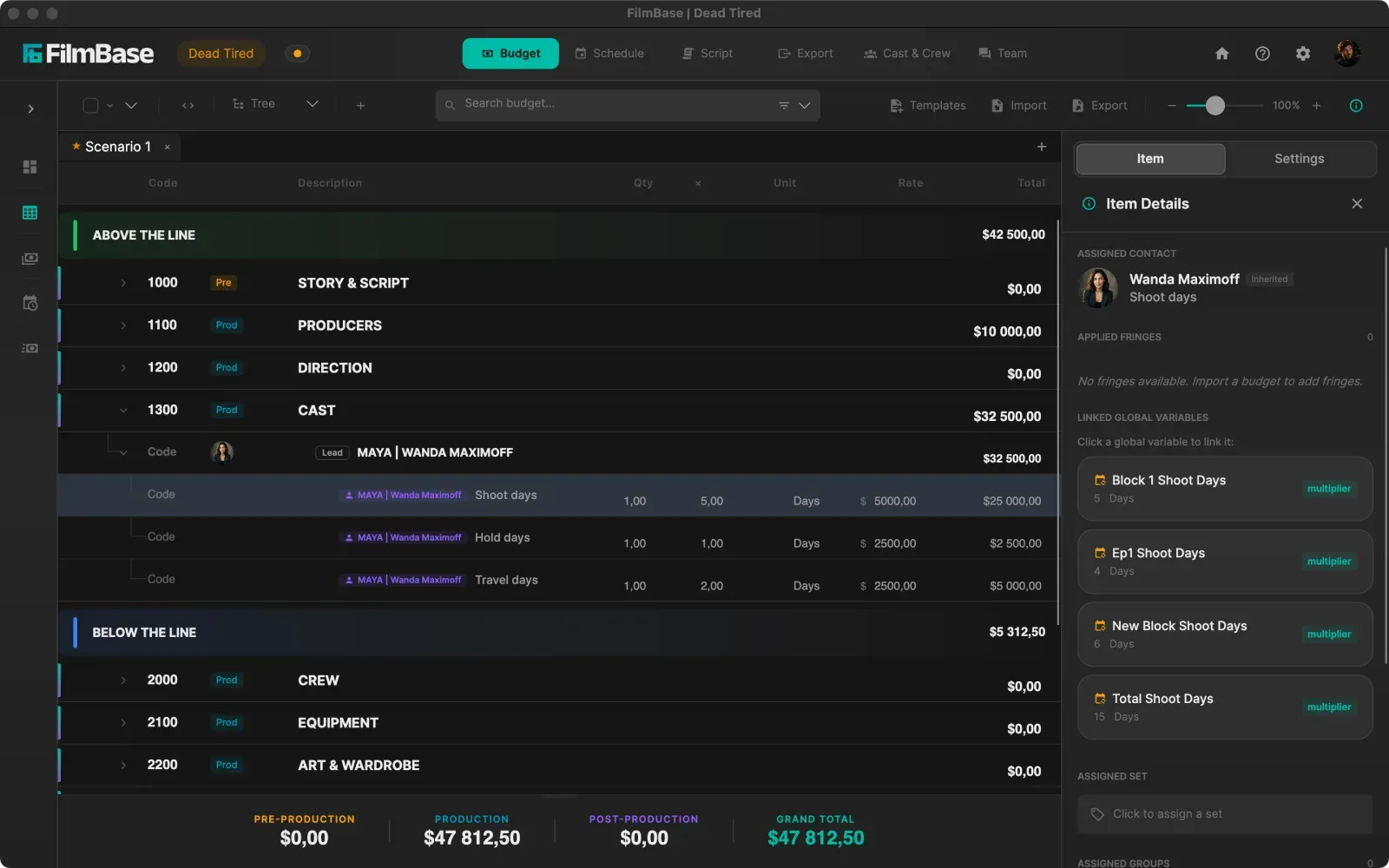
One project file holds the script, breakdown, schedule, and budget. Move a shoot day and every line that reads its day count off the schedule updates on the spot, with nothing to re-export or reconcile.
Bringing your existing work across
Years of budgets already exist in Movie Magic, and starting again from an empty chart of accounts is the reason most people never switch.
Import Movie Magic Budgeting (.xml) files and Excel spreadsheets directly, or start from a built-in template for shorts, features, commercials, documentaries, music videos, or television.
Script breakdown
Breakdown lives in Scheduling, and tagging a feature is a manual read-through, page by page.
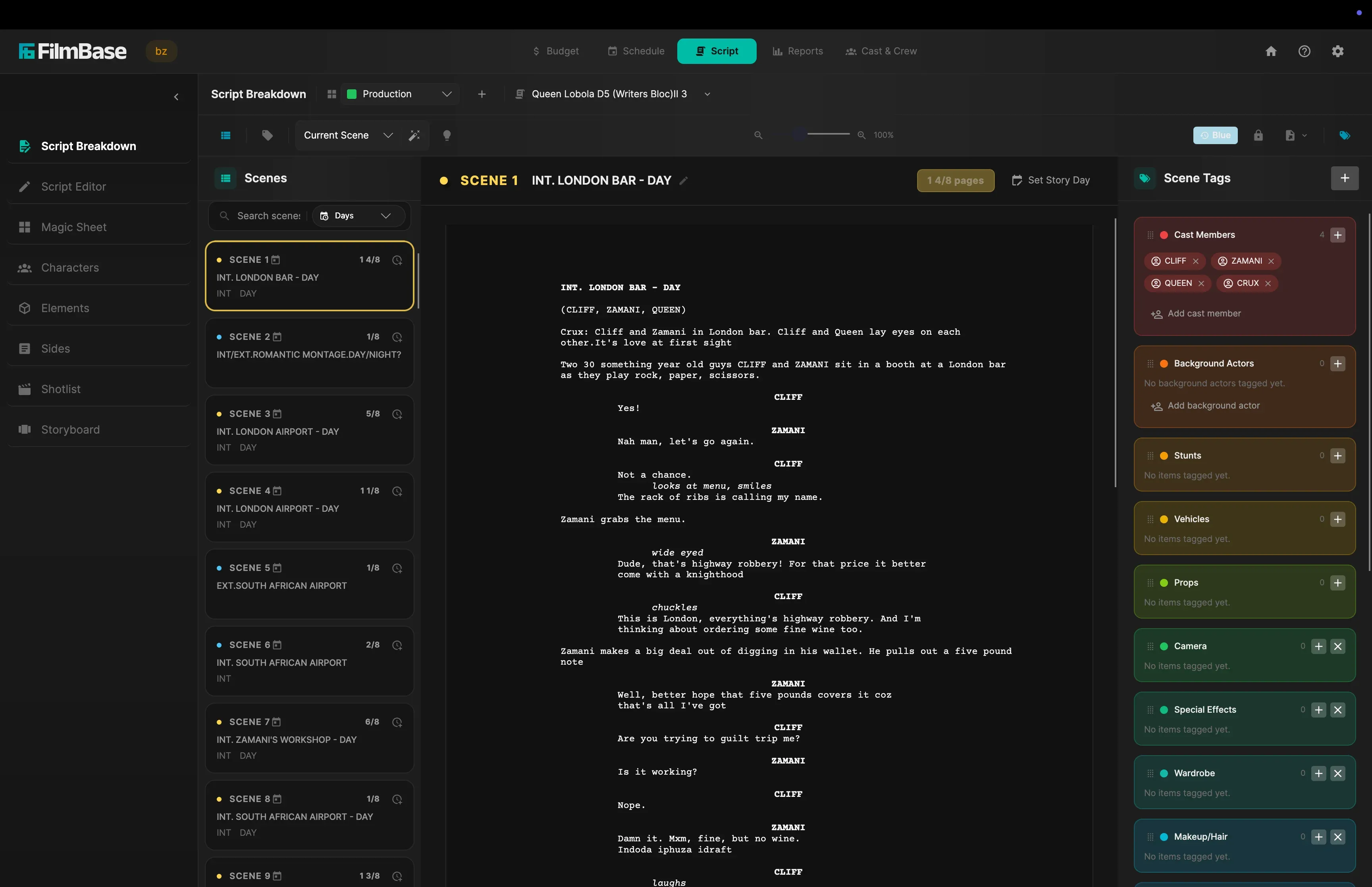
An AI tagger runs on your own computer and proposes props, wardrobe, vehicles, and stunts for you to accept or skip. Nothing is uploaded, so scripts under NDA never leave your drive.
Building the shoot
Strips are arranged by hand, which is craft, but it is also hours of trial and error every time a date moves.
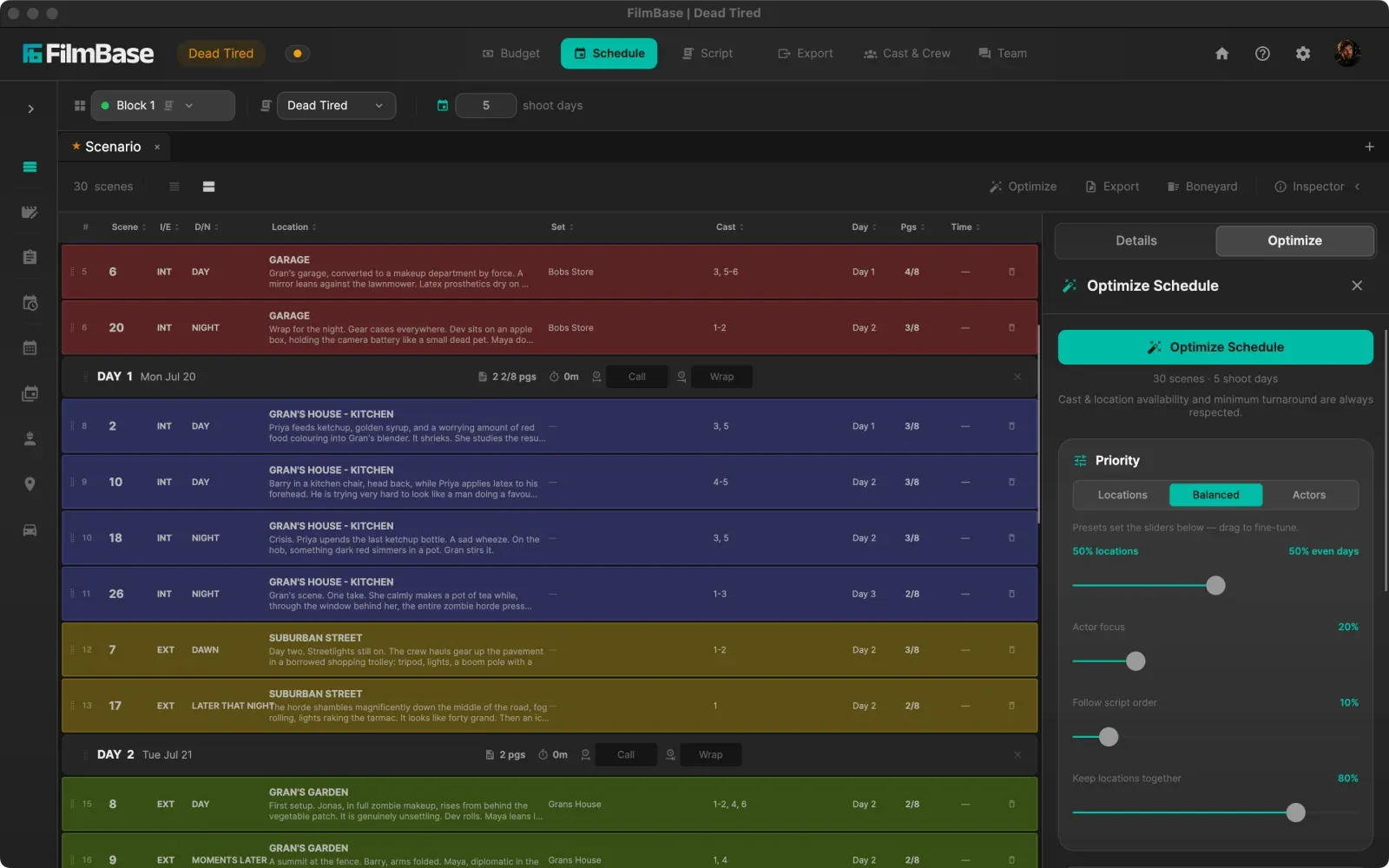
An optimizer lays the script across your shoot days while holding your rules at once, then hands you a board you can drag exactly like a paper one.
What it costs
Budgeting and Scheduling are licensed separately, and the pair is a serious line item for an independent production.
One subscription at $49 a month or $449 a year covers everything, with no tiers or add-ons and a 7-day free trial.
Where it runs
Windows-first, with Mac access historically depending on virtualization or a separate build.
Native on both macOS and Windows from the same codebase, and offline-first, so a location with no signal is not a problem.
The budget, after the import
Your accounts, your rates, now reading their day counts off the schedule.
Where Movie Magic still has the edge
Movie Magic has been the industry standard for decades, and that brings things a newer application simply has not accumulated yet. Studio and network workflows are built around its file formats. Almost every experienced line producer and 1st AD already knows it, so there is nothing to learn on day one of a job. Its payroll company integrations and its depth on large-scale episodic work are genuinely further along.
If you are delivering into a studio pipeline that expects Movie Magic files, it is the safer choice. SetShaper is built for the productions where one connected project and a subscription that covers everything matter more than that: independent features, commercials, documentaries, and series where the same few people are doing the scheduling and the budgeting.
Common questions
Can SetShaper open my existing Movie Magic budgets?
Yes. SetShaper imports Movie Magic Budgeting (.xml) files, and Excel spreadsheets as well, so you can bring an existing budget across rather than rebuilding its chart of accounts by hand. Check the imported totals against your original before you rely on it, as you would with any migration.
Is SetShaper a replacement for both Movie Magic Budgeting and Movie Magic Scheduling?
It covers the same ground as both, in one application and one project file: script breakdown, stripboard scheduling, Day out of Days, and a detailed budget that reads its day counts off that schedule. Whether it replaces them for you depends on your production, which is why there is a free trial rather than a sales call.
Will my crew be able to read what SetShaper produces?
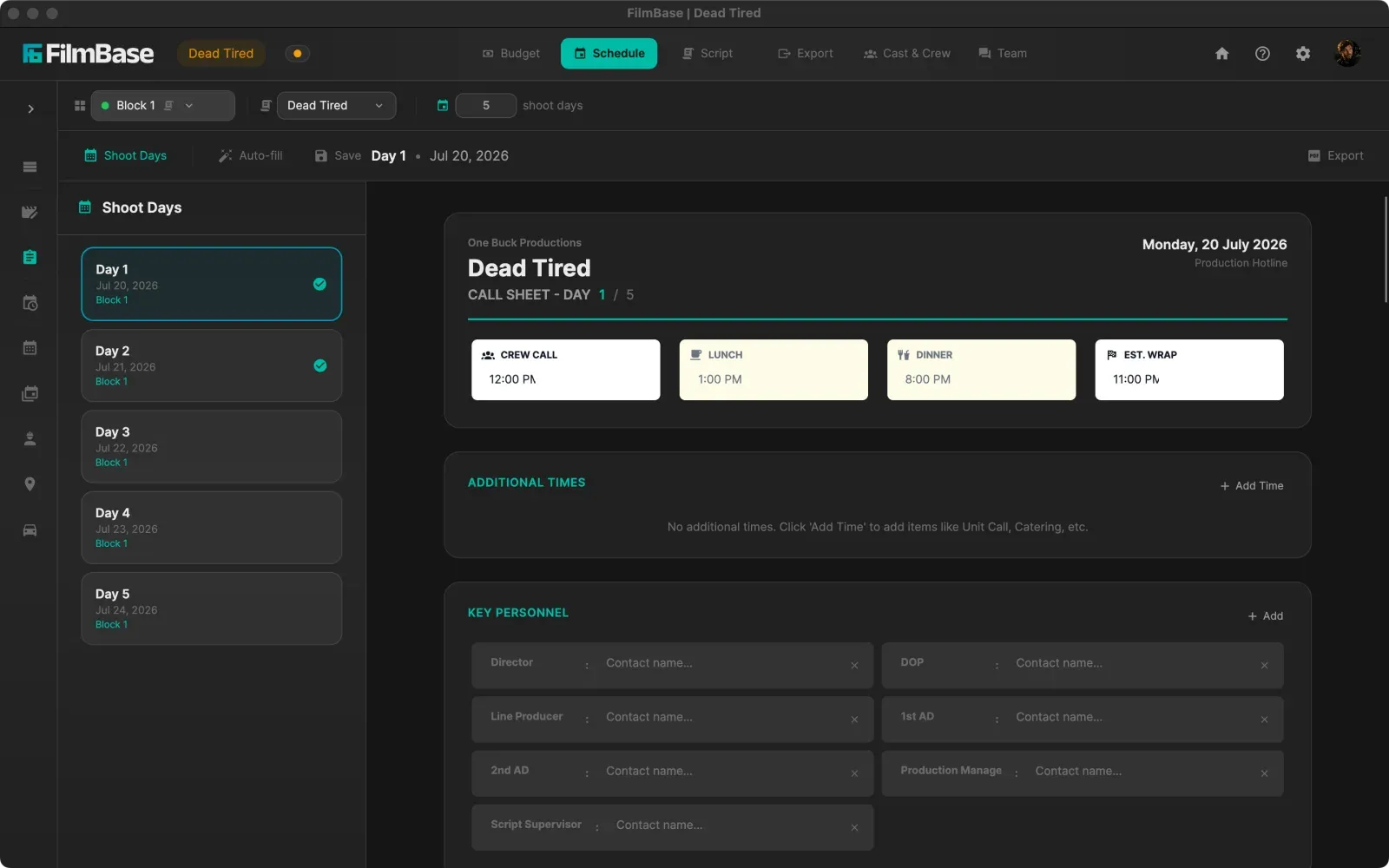
Yes. SetShaper exports the standard paperwork a production already runs on: call sheets with sides attached, shooting schedules, one-liners, Day out of Days, breakdown sheets, and budget topsheets, as PDF or Excel. Nobody downstream needs SetShaper to read them.
Does SetShaper run on a Mac?
Yes, natively on macOS and on Windows, from the same codebase, so a Mac-based producer and a Windows-based 1st AD work in the same project without one of them running a virtual machine.
Is my script uploaded to a server for the AI tagging?
No. The tagging model runs locally on your own computer, so the screenplay never leaves your drive and auto-tagging works with no internet connection at all. For scripts under NDA that is a contractual difference, not just a preference.
What does SetShaper cost compared to Movie Magic?
SetShaper is one subscription, $49 a month or $449 a year, and every feature is included in both plans. There is a 7-day free trial, and it is sold through the Mac App Store and the Microsoft Store, so billing and cancellation are handled by your Apple Account or Microsoft account.
Try it on a budget you already have
Import a Movie Magic (.xml) budget and see how it comes across. 7 days free on macOS and Windows.
Movie Magic and Movie Magic Budgeting are trademarks of Entertainment Partners. SetShaper is not affiliated with or endorsed by Entertainment Partners, and names them here only to describe file compatibility and the product being compared.