Call sheet generator
built for 2nd ADs & production offices
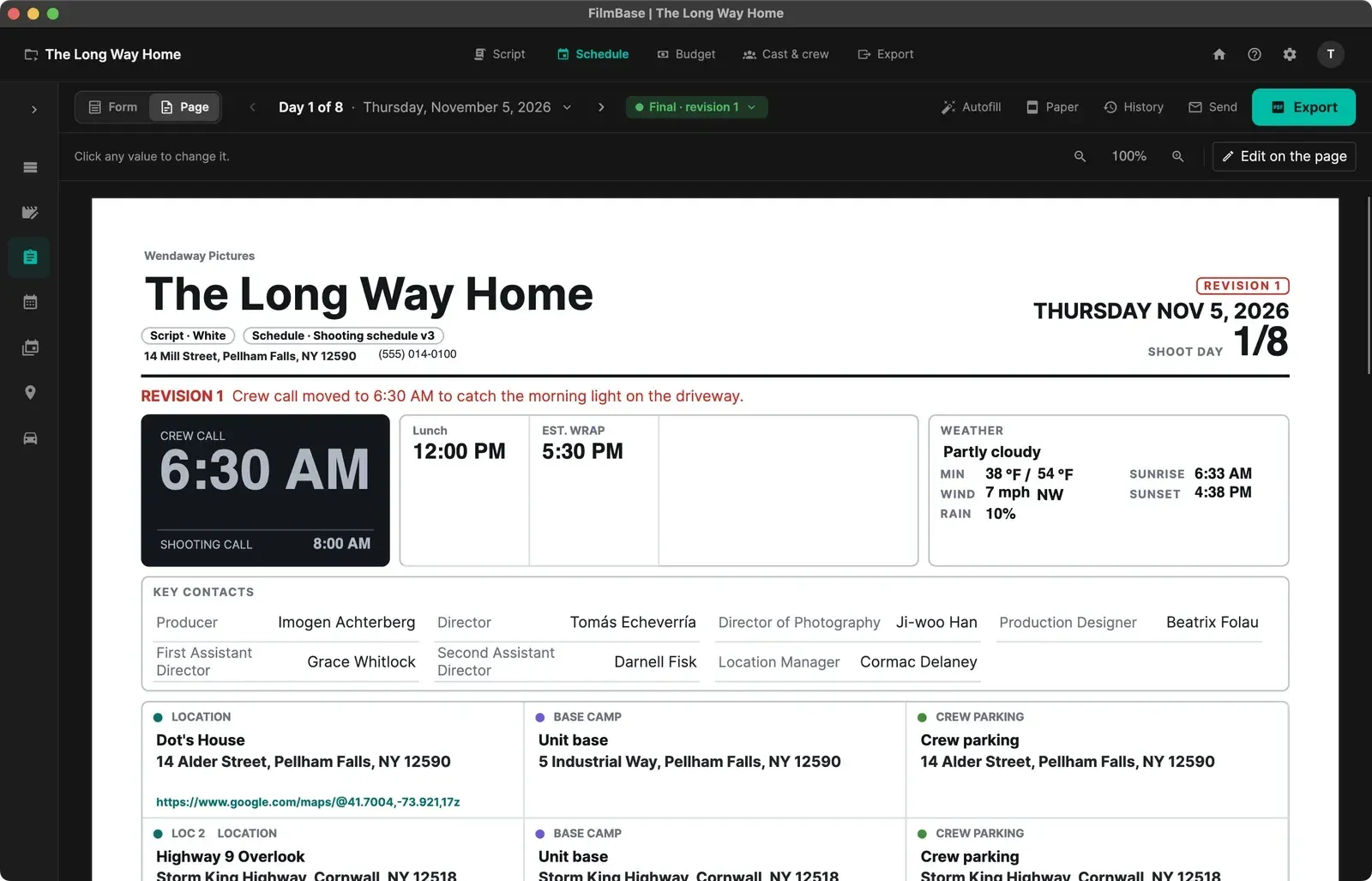
Make the day's call sheet from your schedule, with the weather for your location, then send a prelim, make it final, and export it with the day's script sides.
Mac · Windows
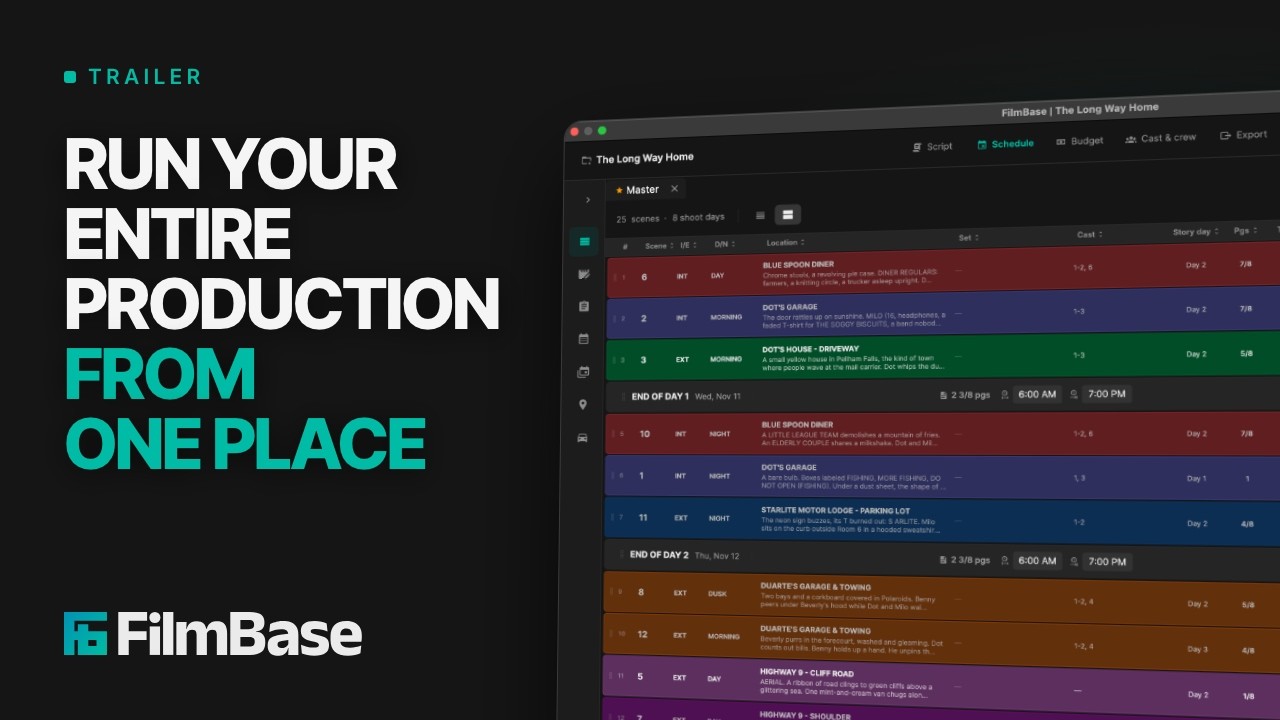 Loads from YouTube on play
Five or six tools.
Or one that stays in sync.
Stop building daily call sheets by hand in a separate template. FilmBase fills the running order, the cast, the locations and the weather from your schedule, and exports the day's script sides in the same PDF.
See every featureThe problems FilmBase solves for call sheets
Most of a call sheet is already in your project. FilmBase fills that part in, so wrap night goes on the details only you know.
Hours Spent Late at Night Copying Details
2nd ADs spend hours every wrap night retyping scene numbers, cast names, location addresses, and weather reports into a call sheet template.
Autofill from the Schedule
When the day is on your schedule, Autofill brings in the running order, the cast and their actors, the locations with their parking and nearest hospital, and the weather. A section that already holds your typing starts unticked, so what you typed stays.
Cutting Script Sides by Hand
Cutting sides by hand in a PDF editor leads to missing pages, outdated revisions, or the wrong scenes going to the wrong actors.
Call Sheet + Sides in One PDF
Export takes the day's scenes from the running order and puts those script pages behind the call sheet in one PDF, in script order or shooting order.
Changes After the Sheet Has Gone Out
The call moves half an hour the night before, and the crew are left comparing two PDFs to work out what changed.
Prelim, Final and Numbered Revisions
Send a prelim with a PRELIM mark on every page, then make it final. Change a final sheet and FilmBase lists what changed in plain words. Issue a revision and the changes print in red under the header.
See the call sheet itself
Running order, call times, weather, and sides in one PDF.
Call sheet features for the production office
Form and Page Views
Fill the sheet in the Form, where every value is a labeled field in cards, or switch to the Page to see it exactly as it prints and click any value to change it there.
Choose What Prints
A switch beside each part of the sheet puts it on the printed page or leaves it off. Save the layout as a template, with sets for one-off productions and for episodic shows.
Weather from GPS Coordinates
FilmBase fetches the forecast, sunrise and sunset for the first location on the sheet when it has GPS coordinates and you have an internet connection. Without either, every weather field is yours to type.
Shift All Times and Check Before You Send
Move every time on the sheet later or earlier in one step you can undo. A Check before you send strip flags a pickup after a call, a call before the crew call, or a day over twelve hours.
Cast Version and a Copy for Each Person
Export a cast version without the crew logistics, or one PDF per person with their row highlighted and their name and call under the header.
Transport on the Sheet
Pickup times and driver runs from the Drivers page appear on the cast rows and in the transport part of the call sheet.
Common questions
Where does the call sheet information come from?
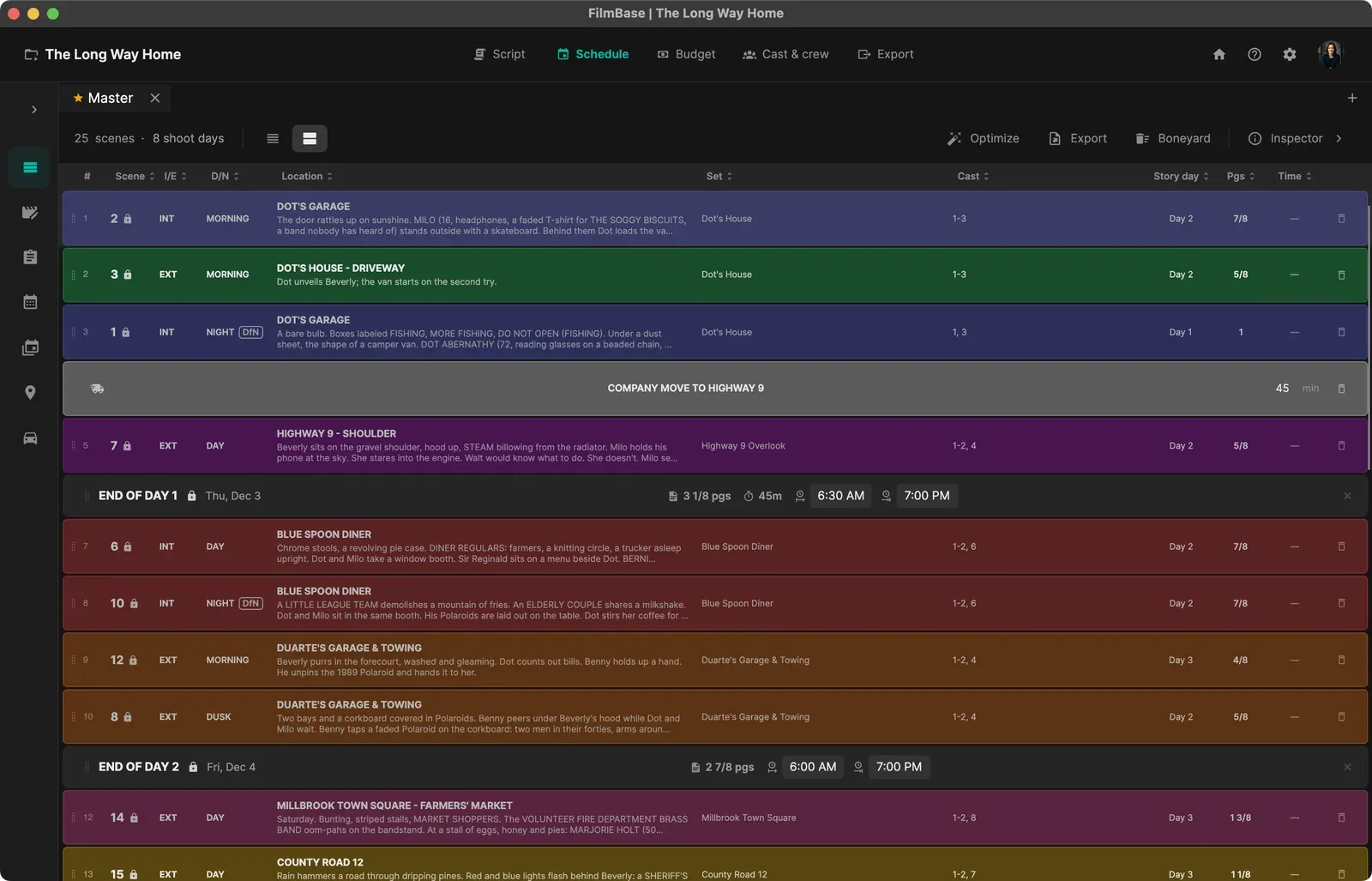
From the project you have already built. When the day is on your schedule, Autofill takes the running order off your stripboard, the characters in those scenes and the actors playing them, the locations with their addresses, parking and nearest hospital, and key contacts from your crew. The times that belong to the day, such as the meals and each actor's call, are yours to type.
Do I need a schedule to make a call sheet?
No. A call sheet only needs a date. For a pickup shot or a one-day commercial that was never scheduled, add the day, then type the scenes, cast and times straight into the sheet. If you schedule that day later, the sheet offers to fill itself from it.
Does it include a weather forecast?
Yes, for any location with GPS coordinates. Paste a Google Maps link onto the location and FilmBase reads the coordinates from it. The forecast is fetched for that location whenever you have a connection, so the sheet carries the weather for where you are shooting rather than for the nearest city.
Can it produce script sides as well?
Yes, in the same document. Choose Call sheet + sides when you export, and FilmBase puts the day's script pages behind the call sheet in one PDF, so the crew get one attachment instead of two.
What happens when the call sheet changes after it is final?
FilmBase records what a sheet said when you made it final. Change it afterwards and the status lists every change in plain words. Issue a revision and the sheet is numbered, with what changed printed in red under the header, so nobody has to compare two copies by eye.
Does it carry the safety information?
Yes. Save the nearest hospital and its phone number, base camp and parking on the location, and Autofill puts them on every call sheet that uses that location. The Safety & emergency part also holds the emergency number, police, fire, the medic and security.
How much does FilmBase cost?
FilmBase is $49.99 a month or $449.99 a year for one computer, or $1,199 a year for a team of 5 computers, and every feature is included in every plan with no tiers or add-ons. You can also buy a time pass for 1 month, 3 months or 1 year that doesn't renew. The 7-day free trial starts in the app and needs no card. You buy your plan on filmbase.io, where Paddle handles the payment, and you can cancel any time from your account page.
Generate call sheets with FilmBase
Download FilmBase for macOS or Windows with a 7-day free trial.
Mac · Windows